Linkeep logo Linkeep
Mobile-first link organization

Save every good link before it disappears.

Linkeep is a mobile-first bookmarking app for people who save links all day and still want everything to feel clean. Capture links in seconds, sort them into categories that make sense to you, and protect your collection with Face ID and PIN.

Whether you are saving articles, product links, references, videos, or social posts, Linkeep turns scattered browsing into an organized library you can actually come back to.

Built for iPhone and iPad. Designed for quick capture, clean organization, and private access.
Fast save Capture links from the clipboard or share sheet in just a few taps.
Private by design Keep personal collections protected with Face ID, PIN, or both.
Custom structure Create categories that match the way you browse, work, and save.

Your link archive, without friction.

Linkeep is built around one simple idea: a useful link should never get lost. The experience stays lightweight, but the details are strong enough for real daily use on both phone and tablet.

Quick capture

Save links from the share sheet or pick them up from your clipboard flow. The app keeps the capture step short so you can save first and organize without interrupting your flow.

#

Custom categories

Build categories that match your own system, not someone else’s. From work and reading lists to shopping, social links, and niche personal collections, everything stays organized.

Protected access

Use Face ID, a PIN, or both. Linkeep lets you keep personal research, private references, and saved links behind a practical security layer that feels native on iPhone.

Built around the way people actually save links.

Linkeep is not trying to be a complicated knowledge system. It is designed for fast, repeatable behavior: save now, classify clearly, find it later.

1

Copy or share a link

Save a link directly from another app, or copy it and return to Linkeep to capture it through the app’s fast save flow.

2

Name it and place it

Assign a useful title, pick a category, or create your own custom category so every saved link has context.

3

Search and reopen later

Come back when you need it, filter by category, search quickly, and open the exact link without digging through tabs or messages.

A focused interface that stays easy to scan.

The product is designed to feel friendly, light, and practical. Each screen is centered around a clear next action so saving and organizing links never feels heavy.
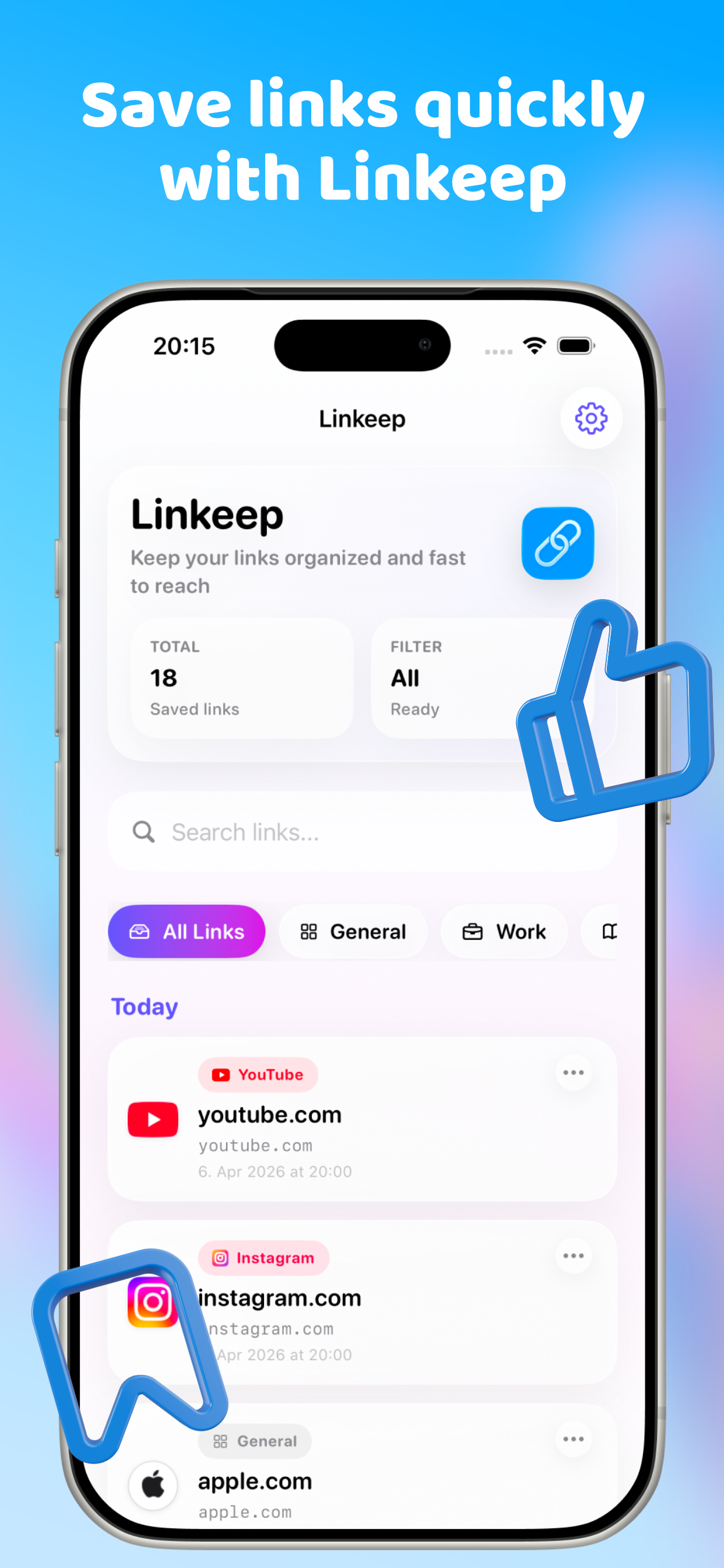
Save links quickly with Linkeep
Save links quickly The main library keeps search, filters, and categories visible so the right saved link is always easy to find.
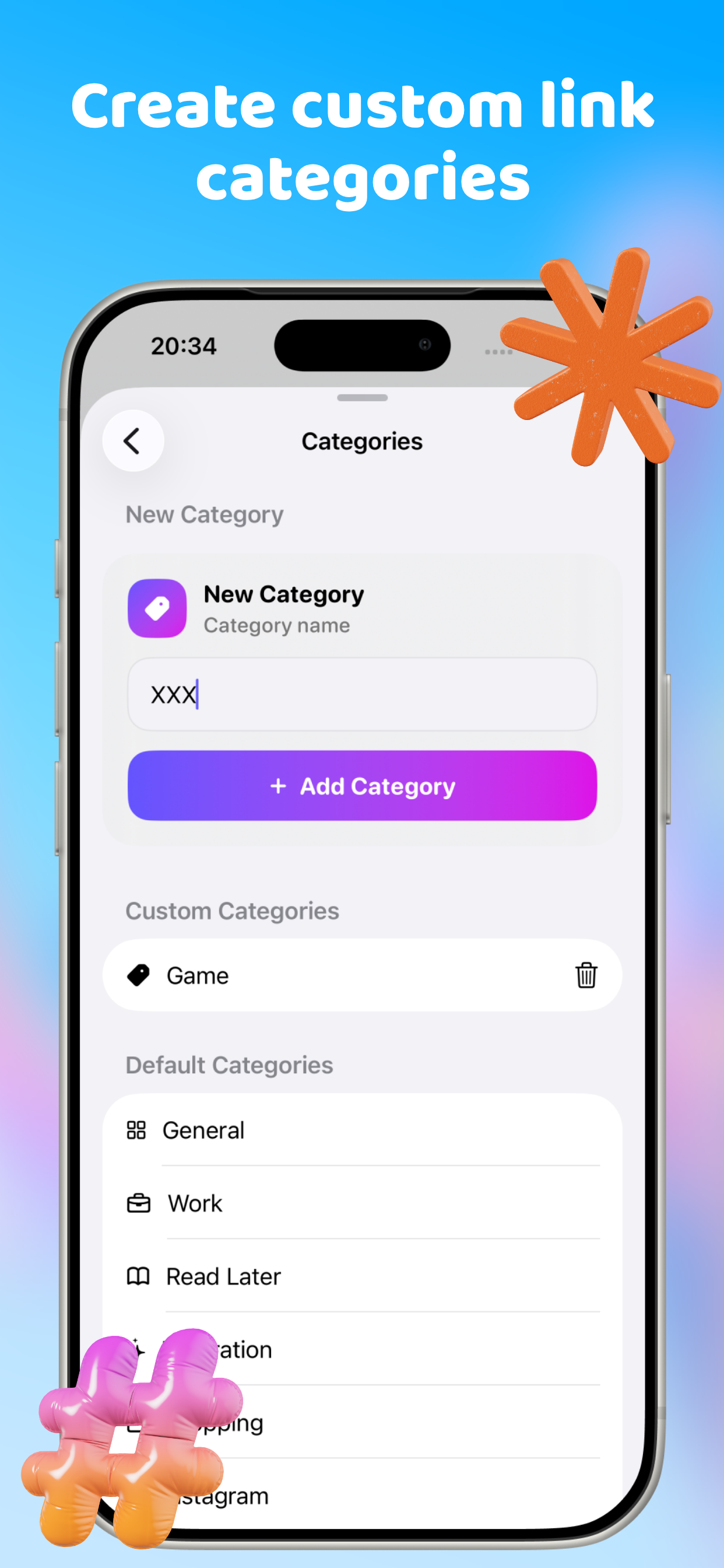
Create custom link categories
Create custom categories Organize links by topic, project, platform, client, or personal interest. The structure adapts to your own habits.
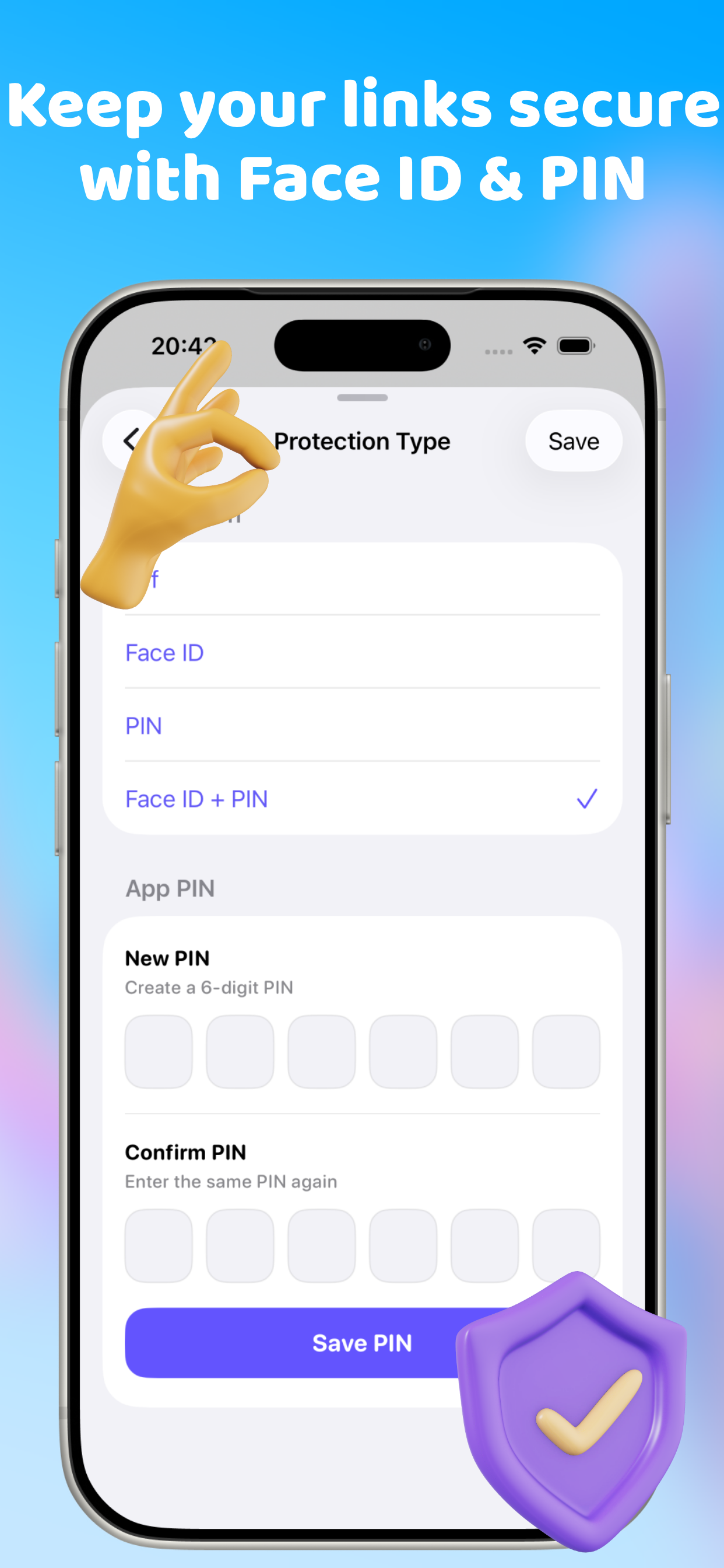
Keep your links secure with Face ID and PIN
Keep everything secure Face ID and PIN protection give private collections a practical extra layer without turning access into a chore.

Less clutter. Better memory. Stronger control.

Linkeep gives casual browsing a better destination. Collect now, organize later, and keep your useful links in a place that feels intentional instead of temporary.

Read privacy

Get in touch with Linkeep.

For support, feedback, product questions, collaborations, or business inquiries, use the contact details below. This page is intentionally direct, so people can reach the team without hunting for the right place.

Privacy, explained in plain English.

Linkeep is designed to help users save, organize, and protect links while keeping data practices limited, clear, and easy to understand. This privacy section explains what the app stores, how core features such as Face ID and PIN work, and how advertising and support communication are handled.

Saved links and categories
Linkeep stores saved links, titles, categories, and app preferences to provide the app’s core experience and help users manage their personal link library.
Security options
Face ID and PIN protection are used only to help secure access to the app on the user’s device. Linkeep does not collect, store, process, transmit, share, or retain face data or biometric templates. Face ID matching is handled entirely by Apple’s LocalAuthentication framework and Secure Enclave, and the app receives only a success or failure result.
Face data retention and sharing
Linkeep does not retain face data because it never receives face data. No face data is shared with advertisers, analytics providers, partners, or any other third parties. Saved links and user-created categories remain part of the app experience, while biometric processing stays on the device under Apple’s system controls.
Advertising
Linkeep may display ads through Google AdMob. Ad-related data handling may follow Google’s advertising technologies, policies, and privacy practices.
No hidden selling promise
Linkeep is not presented as a service that sells personal reading lists, saved links, or private collections to outside parties.
Support communication
If a user contacts Linkeep by email, that message and its contents may be used only to respond, provide support, and improve the service.

Questions people usually ask before they download.

A short FAQ helps make the page feel finished and answers the basics without sending visitors elsewhere.

What is Linkeep for?

Linkeep is for saving links you do not want to lose. It is useful for articles, shopping links, videos, social posts, references, inspiration, and everyday browsing.

Can I organize links my own way?

Yes. Linkeep supports built-in categories and custom categories, so users can create their own structure instead of being locked into a fixed system.

Does Linkeep support private access?

Yes. The app supports Face ID, PIN protection, or both. Face ID is used only for local authentication on the device, and Linkeep does not collect or store face data.

Is Linkeep mobile friendly?

Yes. Linkeep is designed for iPhone first and also works with an iPad-friendly layout for larger screens.